Practical guides
Can your existing security cameras help detect fires?
The cameras already on your site could offer another way to spot smoke. Six practical checks can help you decide whether they are suitable.
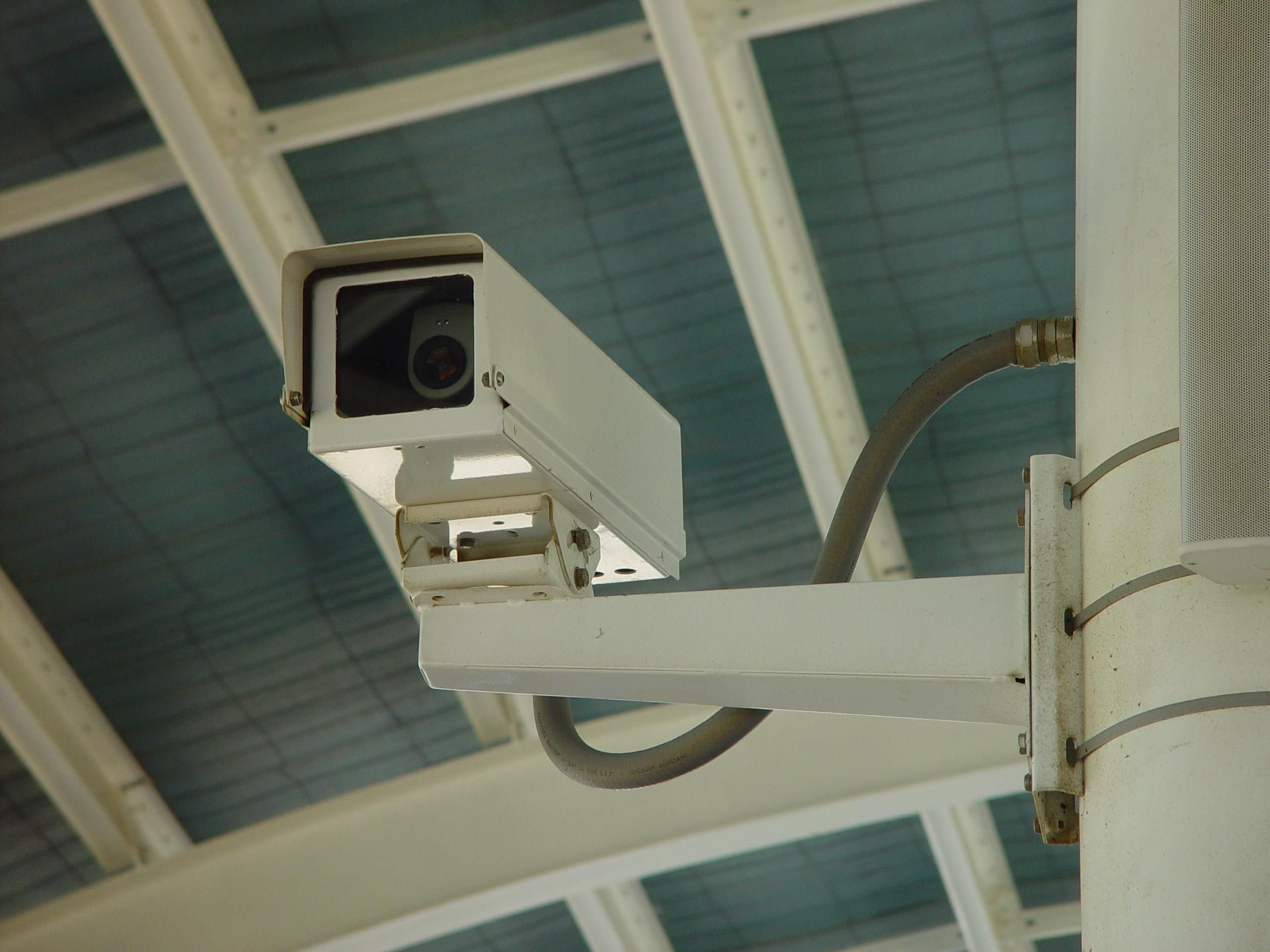

Yes, some existing security cameras can help detect outdoor fires when connected to suitable detection software. Whether yours can help depends on what they see, the images they deliver and how alerts reach people. A camera watching a gate may offer little warning of a fire beyond the boundary.
For a site manager, the starting point is the area at risk. Work out where smoke could become visible, then check whether your cameras offer a useful view.
What the cameras can add
Cameras provide images; detection software looks for signs such as smoke or flames. The US Government Accountability Office describes camera networks as one approach to wildfire detection, with algorithms and people analysing the information.
Our explainer on how AI detects wildfire smoke covers that process. Here, the focus is on outdoor sites and surrounding landscapes. Treat camera alerts as an additional layer alongside existing fire alarms, prevention measures and emergency procedures.
Six checks before connecting
1. Does the camera see the right area?
A view designed to capture faces at an entrance may miss nearby vegetation. Check for trees, buildings and ridges that block the view. If a camera rotates, establish when it faces the risk area. Axis’s guidance on video analysis emphasises clear views and appropriate positioning. Software cannot reveal smoke hidden from the camera.
2. Is there enough usable detail?
Review the footage the software will actually receive. The advertised megapixel count alone tells you little about a distant plume. Lighting, weather, distance and image processing all affect analysis. Ask the supplier to assess the delivered stream, including its resolution and compression. A clear view of a nearby vehicle does not demonstrate useful coverage of a distant hillside.
3. What happens after dark?
A night-vision label needs explanation. Many security cameras use near-infrared illumination to see reflected light. Thermal cameras detect emitted heat radiation, using different sensors. Axis explains this distinction in its infrared guide. Adding software cannot turn an ordinary camera into a thermal camera. Ask for separate evidence of daytime and night-time performance, including the distance and conditions tested.
4. Can the software access the video?
Being able to watch a camera in a phone app does not establish compatibility with detection software. Confirm that the camera or recorder can provide an authorised live stream in a supported format.
Standards such as ONVIF Profile T define video-streaming features that help systems work together. They do not establish fire-detection performance. Have the supplier check the camera model, its software version and the proposed connection before assuming it will work.
5. Will the view stay available?
Check power, connectivity and who is told when a feed fails. Establish whether the system receives a continuous stream or only motion-triggered clips. Plan for regular checks of lenses and changing obstructions, such as growing vegetation. A camera that worked during installation may later be dirty, disconnected or pointing elsewhere.
6. Who acts on an alert?
Name the person or team responsible for reviewing alerts, including outside working hours. They need enough location information to understand where to look and a clear procedure for escalating a suspected fire.
An operational account from the HPWREN camera network describes how repeated false alarms can weaken users’ response to later alerts. It also explains why clear visual evidence helps people verify an incident. Test that whole process.
Start with a site assessment
Gather the camera models, a simple map of their views and representative day and night footage you are authorised to share. Include difficult conditions, such as glare and mist. This gives a supplier something concrete to assess.
Before expanding, agree a limited trial with clear measures: false alerts, missed events in suitable recorded test footage, time to notification and feed availability. Review results with the people who will receive the alerts.
The assessment may support keeping some cameras, repositioning others or adding coverage. Reusing equipment makes sense where it provides a useful view and a workable route from detection to action.
Sources & further reading
- Science & Tech Spotlight: Wildfire Detection Technologies US Government Accountability Office (2025)
- What factors should you consider for optimal video analytics performance? Timo Sachse, Axis Communications (2023)
- IR in surveillance Axis Communications (2026)
- Profile T: advanced video streaming ONVIF
- Lessons learned from operating a public wildfire detection system Kinshuk Govil, Open Climate Tech; published by HPWREN (2021)
NuraGaze provides wildfire early-warning software and monitoring systems. This guide offers assessment questions; compatibility and detection performance must be established for each installation.